

Poet Branding
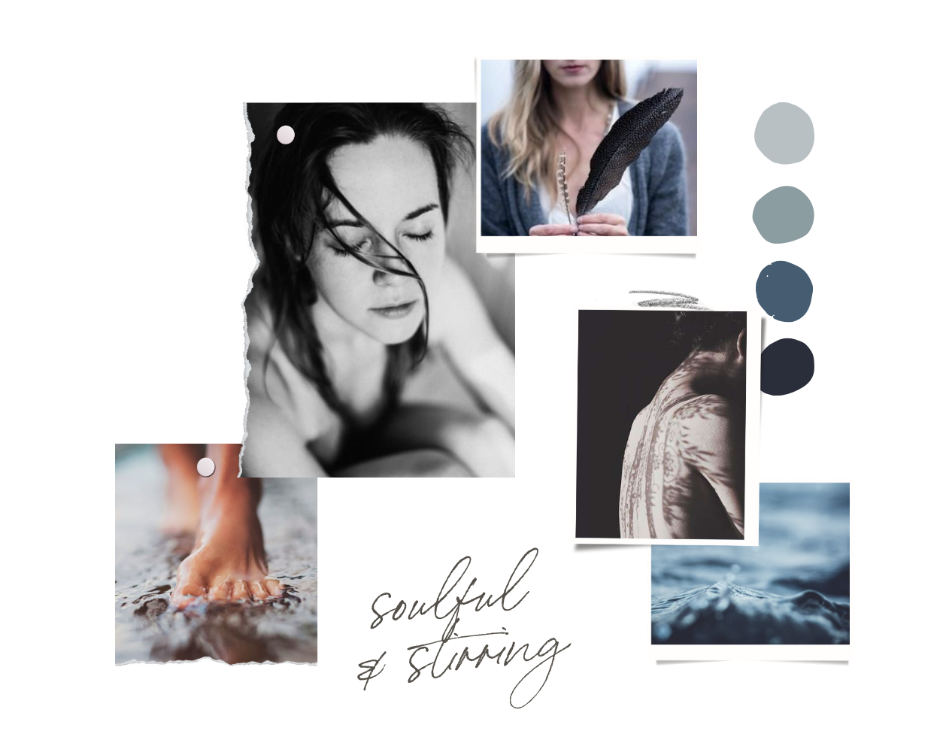
soulful | moody | deep | stirring
I’ve curated some Poet fonts and colour palettes so that you can just plug-n-play with your website’s branding!
Step 1: Choose an Expressive Font (Headings)
Step 2: Choose a Neutral Font (Paragraphs)
Step 3: Choose a Colour Palette
Don’t worry if you’re not sure! You can test out different fonts and colours on your website - we’ll do that together in Module 2.

(paid) poet
Expressive Fonts
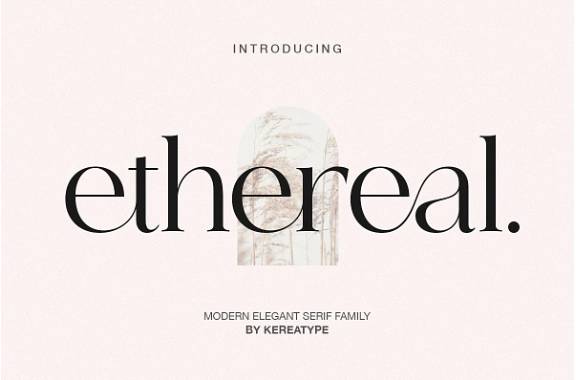
Here are some Expressive Poet fonts for your website’s Headings. You can purchase them in Creative Market and install them into Squarespace (Module 2).
IMO, Squarespace doesn’t really have any quintessentially Poet fonts! And so for free options, check out these Squarespace Sage fonts as they tend to be more neutral.
01




(FREE) sans serif
Neutral Fonts
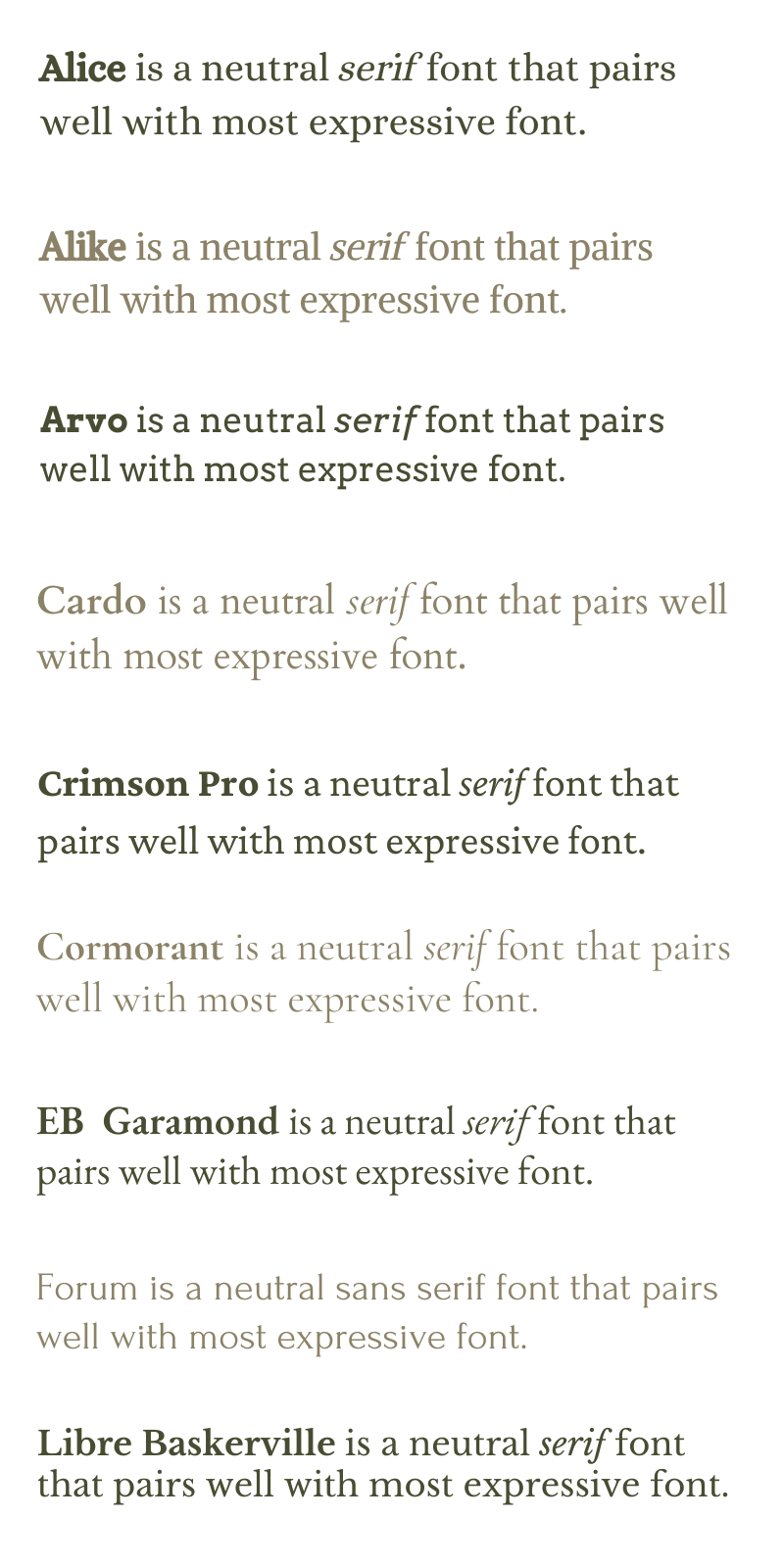
Here are some neutral fonts for your website’s Paragraphs. These fonts pair
well with most Expressive Fonts, and are available in Squarespace & Canva.
Sans serif fonts tend to feel cleaner and more modern. You’ll see that some feel rounder and softer, some feel bolder and sharper.
02


(FREE) serif
Neutral Fonts
Use for your website’s Paragraphs. These fonts pair well with most Expressive Fonts, and are available in Squarespace & Canva.
Serif fonts tend to feel more classic and elegant. You’ll see that some feel rounder and softer, some feel bolder and sharper.

poet
Colour Palettes
Here are some sample Poet palettes - they tend to be more moody and muted in tone. Don’t worry if you’re not sure about your palette yet; I’ll be showing you other ways to curate your website’s colour in Module 2 (e.g. from a single colour, image, Pinterest).
03
#f5f3ee
#cdb9b8
#a7a19f
#5e5e5e
#d8d2cc
#f5f5f5
#a69996
#e3d7d1
#81716a
#3a3329
#ececec
#838e90
#bbc3c6
#374c55
#232e3a
#e2dfdd
#7d7078
#ccc1bf
#5b3f49
#37383d
sage
Imagery & Inspiration
If you want to venture beyond this guide for visual inspiration, check out my Poet Brand Mood Board in Pinterest.
While Pinterest is great for inspiration, for images that you can actually use on your website, head to free libraries like Unsplash, Canva and Pexels. I’ve curated a Sage image library on Unsplash for you.
04


-
Disclaimer: This is not a scientifically-verified, double-blind, peer-reviewed quiz! It is just a fun and easy jumping off point for your brand visuals.
If you resonate with you Brand Spirits quiz results, it can be very comforting and clarifying to have a visual language to work with. If you don’t, just go with whichever Brand Spirit resonates with you the most, or simply use your 3 Brand Words to create your very own mood board!
-
While we can’t use Pinterest images for our brand and website, it can be a great way to source colour palettes, gather inspiration, and/or collaborate with a brand photographer. Here’s how you can create a Brand Mood Board:
Head to Pinterest and start a new board. You can call is ‘Brand Board’, and if you click on the 3 dots beside the the name, you can add your 3 Brand Words to the description to help you stay anchored.
Use the Brand Spirit Mood Board(s) as a starting point. Hover over any image (Pin) that you like, and click on the red ‘Save’ button (check the drop down menu beside it to make sure it’s saving to your Brand Board). Remember, it’s OK if you relate to certain aspects of a Brand Spirit, and not others. Just take what resonates, and leave what doesn’t.
Add more inspiration to your Brand Board. Pinterest will start suggesting ideas for you at the bottom of your Board. You can also use the search icon at the top to find more inspiration (make sure it’s set to search ‘All Pins’!) Add adjectives that describe your brand before each search phrase, e.g. ‘soulful brand photography’, ‘earthy colour palettes’, ‘minimalist mood boards’, ‘stylish branding’, ‘playful fonts’, etc.
-
When it comes to brand fonts, I generally pair an Expressive Font (for headlines), with a Neutral Font (for paragraphs). Squarespace has plenty of great fonts, but if you want a more distinct Expressive Font for your brand, Creative Market is a great place to source them. This is a ‘deep’ (advanced) option as it requires purchasing and installing the font in Squarepace - I will show you how to install custom font in Module 2.
-
While Pinterest is great for gathering inspiration, for imagery that we can actually use on our websites, Unsplash and Canva are my favourite libraries for beautiful, mostly free, un-’stocky’ images. Here’s a video walking you through my process of curating images in Canva and Unsplash.
Benefits of curating an image library:
Saves time: Rather than starting a new search every time you need an image, it’s much more time-efficient to bulk search for on-brand images. You then have a ready-to-go library of cohesive images can you can use for your website, newsletters, social media, etc. For Canva, add your images to a Folder. For Unsplash, add them to a Collection.
Brand cohesion: By curating an image library, you can more easily see if your images sit together cohesively. On a subconscious level, visual cohesion communicates congruence, which cultivates safety and trust. This is particularly important when you’re a coach or therapist!
Search Tips:
Energetics: Rather than just searching literally, try searching energetically. Look for images that have the right mood and energy, and that collectively share a similar style, palette, tone, etc.
Authenticity: Tasteful editing can be really powerful when it comes to creating a vibe, but avoid images that are overly manipulated or posey - if the viewer doesn’t believe the emotion or authenticity of the image, it impacts how much they trust you too.
Shortcuts: When you find an image you really like, use ‘hacks’ like clicking on the photographer name, ‘magic recommendations’, ‘similar images’ or the collection itself to quickly find more images like it.
Q&A
